
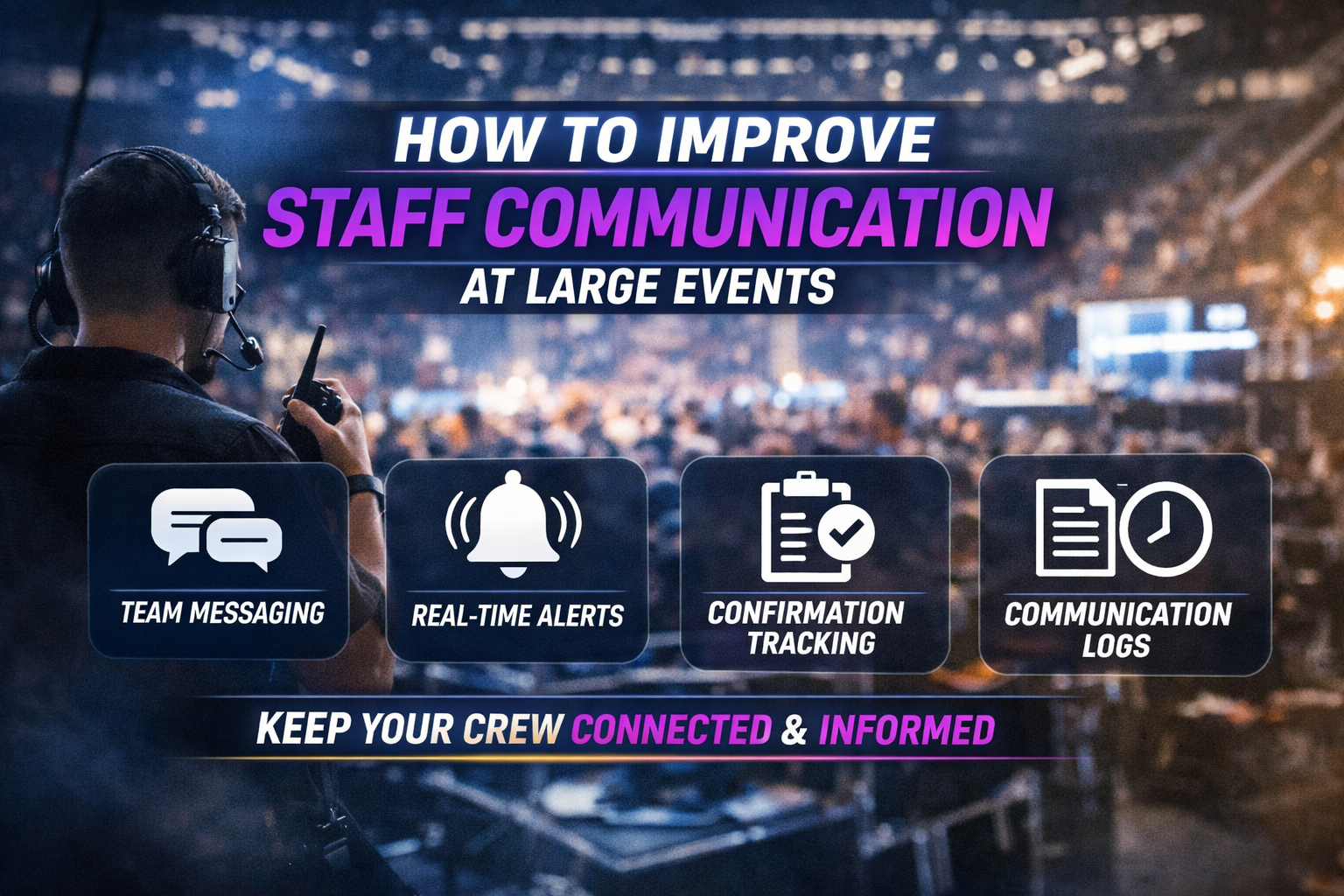
Practical ways to improve staff communication at large events using event scheduling software with built-in messaging and real-time updates.
Large events move fast.
Crew arrivals, vendor timing, weather delays, and last-minute changes can shift operations by the hour. When communication breaks down, it creates confusion, delays, and unnecessary stress for both staff and managers.
The solution isn’t adding more group chats or sending more texts — it’s building structured communication directly into your event scheduling software.
Here are proven ways to improve event staff communication and keep your entire team aligned, even under pressure.
1. Centralize Communication Where the Schedule Lives
One of the most common issues in event operations is fragmented communication. Messages are sent across multiple platforms — text threads, emails, radios, and apps — making it easy for critical updates to get missed.
By centralizing communication inside your event scheduling software, staff can view their:
-
Assigned shifts
-
Call times
-
Locations
-
Role details
-
Latest updates
All in one place.
When communication lives alongside the schedule, there’s no confusion about where to find the most up-to-date information.
2. Use Role- and Shift-Based Messaging
Not every update needs to go to the entire team.
Sending mass messages creates noise and leads to notification fatigue, where staff begin to ignore important updates.
Instead, use role-based and shift-based messaging to communicate with specific groups, such as:
-
Security teams for a specific shift
-
Concessions leads at a certain location
-
Stagehands assigned to a specific area
Targeted communication ensures the right people receive the right information — without overwhelming the rest of your crew.
3. Send Real-Time Updates Instantly
Last-minute changes are part of every event.
Call times shift. Locations move. Assignments change.
Without real-time communication, these updates can lead to:
-
Missed shifts
-
Late arrivals
-
Staffing gaps
-
Operational bottlenecks
Modern event scheduling software with real-time messaging allows managers to instantly notify staff of any changes, keeping everyone aligned as situations evolve.
4. Maintain Communication Logs for Accountability
After an event, questions often come up:
-
Was this communicated?
-
Who received the update?
-
When was the message sent?
Having a built-in message history within your event scheduling software creates a clear record of communication.
This not only helps resolve issues but also improves planning and execution for future events.
Why Structured Communication Matters
Improving event staff communication isn’t about sending more messages — it’s about sending the right messages, to the right people, at the right time.
When communication is structured and integrated into your scheduling workflow, teams operate more efficiently, staff stay informed, and managers gain full visibility into operations.
Conclusion
Better communication starts with better systems.
Event scheduling software that combines staff messaging, real-time updates, and shift-based coordination gives event teams the clarity they need to execute at a high level — even in fast-paced environments.
When everything is connected — scheduling, communication, and check-ins — your team can stay focused, aligned, and ready for anything.
If interested in learning more, schedule a DEMO!