
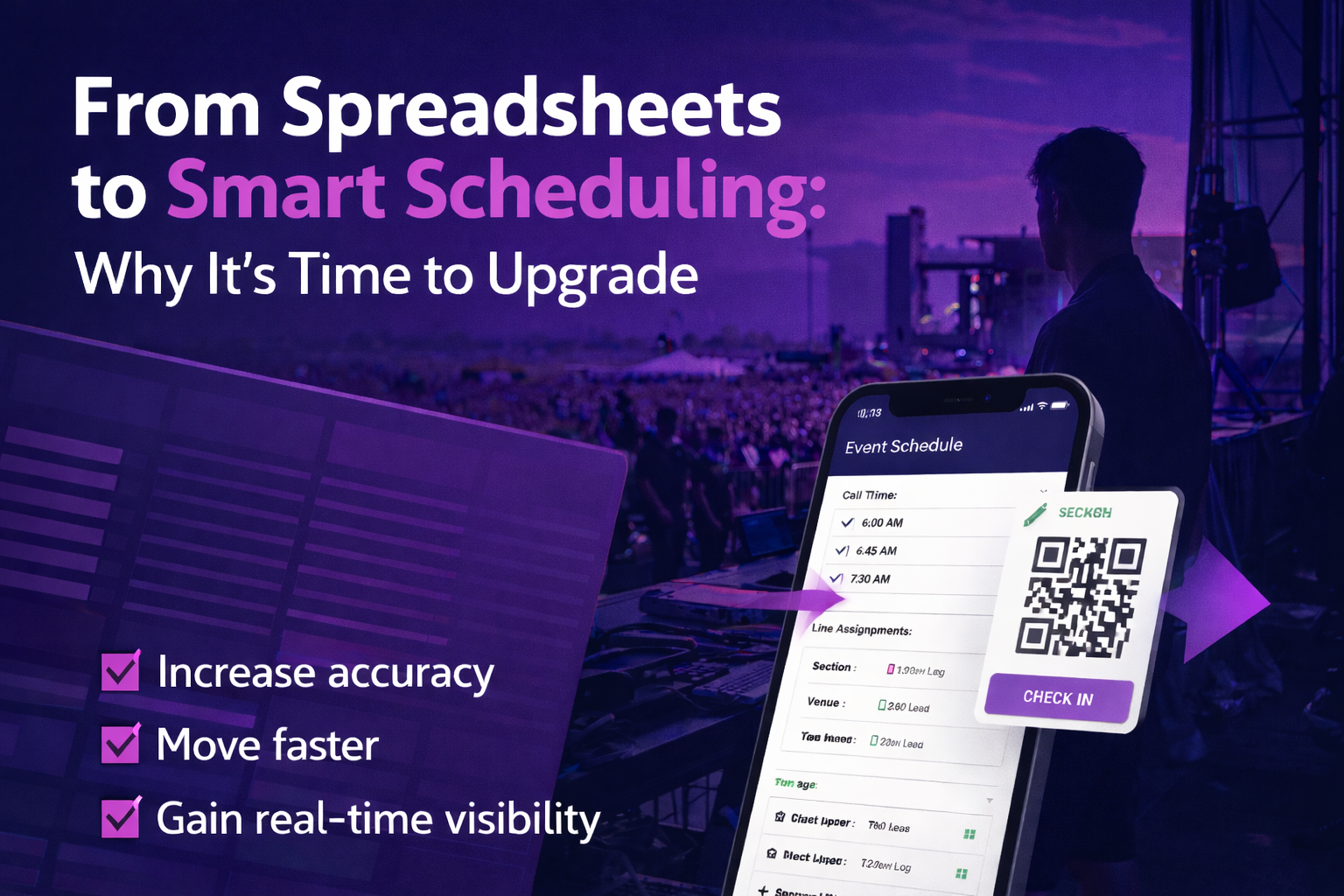
Discover why event teams are replacing spreadsheets with event scheduling software to improve accuracy, speed, and real-time visibility across live event operations.
If you’re still scheduling event staff in spreadsheets, you’re doing more work than you need to.
Spreadsheets are built for static lists.
However, event operations are not.
You’re managing:
- Crew rotations
- Last-minute changes
- Multiple roles and locations
- Real-time adjustments
As a result, spreadsheets can’t keep up.
That’s why more teams are switching to event scheduling software built for live events.
1. Accuracy Without Version Chaos
Spreadsheets create version problems.
For example, multiple managers edit different files.
As a result, updates get missed.
In turn, teams end up working off outdated schedules.
That’s where mistakes happen.
With event scheduling software, there’s one source of truth.
- Updates happen in real time
- Everyone sees the same schedule
- Changes are tracked automatically
Because of this, there’s no confusion and no backtracking.
2. Faster Setup and Repeatable Scheduling
Building schedules in spreadsheets takes time.
Instead of moving quickly, you’re formatting cells, updating formulas, and rebuilding the same structure over and over.
With event scheduling software, you can:
- Create reusable positions by role and location
- Set call times quickly
- Copy and reuse entire events
As a result, what used to take hours now takes minutes.
3. Communication Built Into Scheduling
Spreadsheets don’t communicate.
Because of that, teams rely on texts, emails, and group chats.
Unfortunately, that’s where things get missed.
With event staff scheduling software, communication is built into the workflow.
When something changes, your team is notified instantly.
They see:
- Updated shifts
- Call times
- Location changes
All in one place.
As a result, there’s no chasing people down and no missed updates.
4. Built-In Check-In and Real-Time Visibility
Manual check-ins slow everything down.
For example, printed rosters and searching names create delays at entry.
With event scheduling software, check-in becomes simple:
- QR code check-in
- Admin or supervisor check-in
- Mobile self check-in
Managers can instantly see:
- Who’s on site
- Who hasn’t arrived
- Where coverage gaps exist
Because of this, you gain real-time control over your operation.
5. Reporting You Can Actually Use
Spreadsheets require manual cleanup after the event.
As a result, data gets messy and insights get lost.
With event scheduling software, reporting is automatic.
You can quickly view:
- Attendance
- Hours worked
- Fill rates
- Shift coverage
This allows you to make decisions based on real data—not guesswork.
Why Event Teams Are Moving Away From Spreadsheets
Event operations are getting more complex.
More staff. More moving parts. More expectations.
Because of this, spreadsheets can’t keep up with real-time environments.
Teams that upgrade to event scheduling software gain:
- Speed
- Accuracy
- Real-time visibility
- Better communication
Most importantly, they gain control on event day.
Conclusion
Spreadsheets got you started.
However, they’re not built for how modern events operate.
With the right event scheduling software, your team can:
- Move faster
- Stay aligned
- Reduce errors
- Execute with confidence
Ultimately, when your scheduling is dialed in—everything else runs smoother.
Want to learn more? Set up a DEMO now!